Learn 3D printing by completing one small project from beginning to end. You do not need to memorise every setting first. This seven-lesson path gives you a manageable sequence and a small outcome at each step. Move at your own pace; the lesson numbers are a learning order, not a promise that you will master printing in seven days.
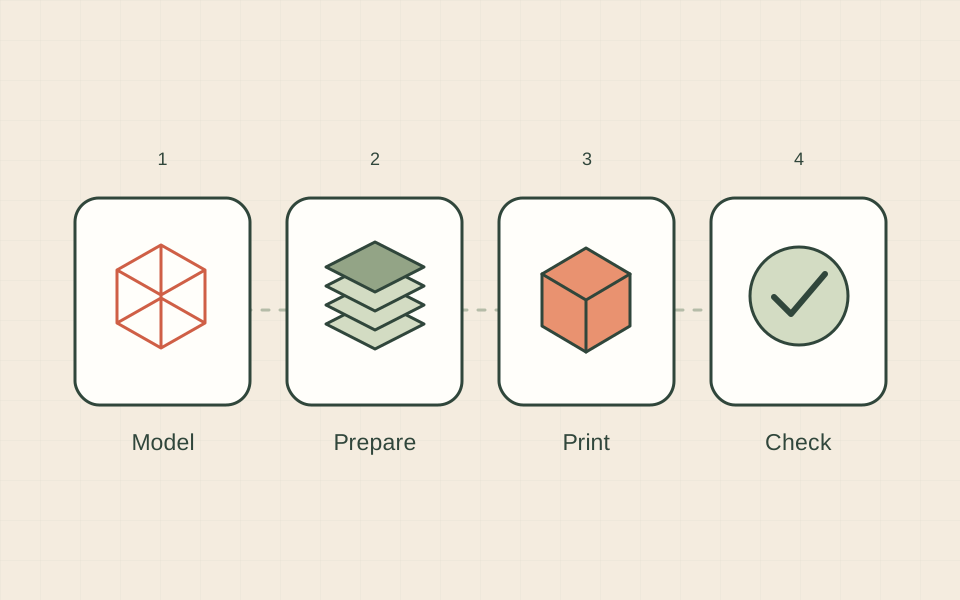
Lesson 1: understand what the machine does
Read what 3D printing is. Explain layers, the build plate and a slicer in your own words. Then choose a small project such as a name tag. Write down its approximate dimensions and its purpose. Your checkpoint is simple: you can explain what you want to make without naming a printer brand.
Lesson 2: choose how you will practise
Decide whether you will use your own printer, a shared machine or a print service. Learning without owning a printer is a practical starting point. If you are buying, complete the printer choice worksheet. Your checkpoint is a realistic place, budget and route for producing one sample.
Lesson 3: understand the model
Open your chosen file in a viewer or slicer. Rotate it and check the dimensions. Look for a flat face that could sit on the build plate, small details and disconnected pieces. Save the original file before editing. Your checkpoint is being able to point to the bottom, top and smallest feature of the object.
Lesson 4: prepare the print
Follow your first 3D print with the software recommended for your machine. Verify the printer and material selections, then inspect the layer preview. Record the estimated time and material use. These are planning estimates, not a promise of the final outcome. Your checkpoint is explaining why the first layer is placed where it is.
Lesson 5: observe the first layer
Use the manufacturer’s setup instructions before starting. Watch how the object begins and note anything unusual. If it lifts or fails to attach, stop and follow the first-layer checklist. Your checkpoint is a brief observation: where the problem began, what it looked like and which setting or condition you checked.
Lesson 6: inspect and improve
Compare the cooled sample with your original sketch. Check size, readable details and its intended use. Photograph it next to a ruler. Change one thing for the next attempt and write down why. Your checkpoint is a useful comparison between two versions, not a claim that one setting works for every printer.
Lesson 7: make it yours
Try the personalised keychain project. Alter a name or dimension while keeping the design simple. Save the project, exported model and printing notes together. Your checkpoint is an organised set of files that lets you explain or repeat your own result.
Where to go next
Once you can repeat a small project, choose your next lesson around a real question. A failure leads to troubleshooting; a new use leads to material research; a customer enquiry leads to costing. If business interests you, begin with one customer problem and a sample. You can build confidence before committing to a bigger machine or a catalogue of products.
Sources & further reading
We use AI to help prepare our guides. Check the sources and follow the instructions for your specific printer and materials.