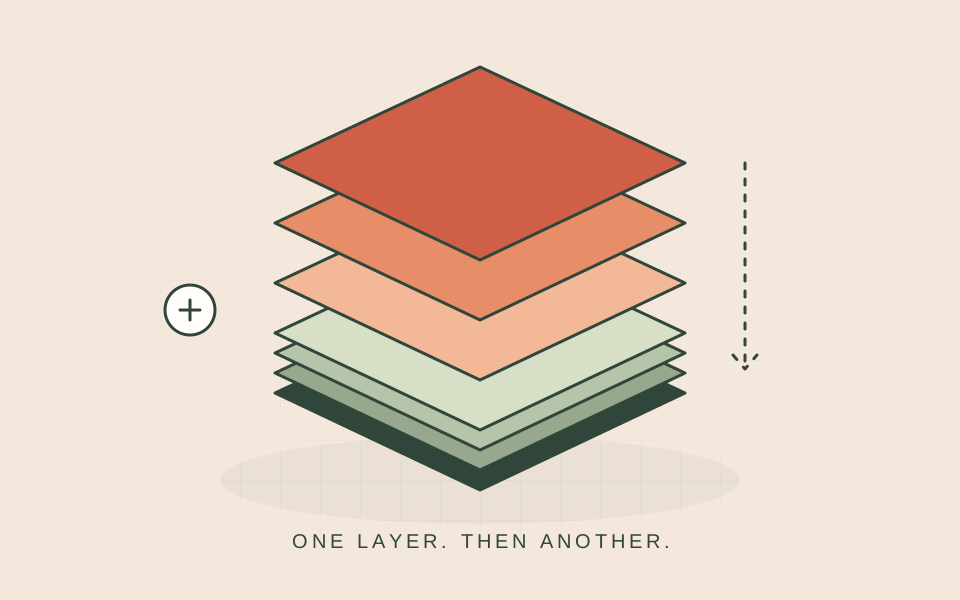
3D printing makes a physical object from a digital design by building it in layers. Think of drawing a shape, adding another thin shape above it, and repeating until an object exists. You can start with a downloaded model, a design you make yourself, or a model created with help from AI.
Start with one everyday object
A name tag makes a useful first example. On a screen it is a three-dimensional shape with a length, width and thickness. On a printer it becomes a small object you can hold. The useful question is not just “can I print this?” Ask who will use it, how large it should be, and what it needs to do. Those decisions make the next steps easier.
The basic journey
- Choose or create a model. A model file describes the shape; check its dimensions and any instructions from its designer.
- Prepare it in a slicer. This software creates the layer-by-layer instructions for a particular printer.
- Print using a suitable material and the correct machine setup. Watch the start so a small problem does not become a wasted print.
- Let the finished object cool or complete the required finishing process. Inspect it before deciding whether it is ready to use.
Filament and resin are different workflows
Many beginner machines use filament: plastic supplied on a spool, fed through a heated nozzle. Resin printers use liquid material cured with light. The choice affects the workspace, handling steps, finishing equipment and kinds of projects you can make. This learning path begins with filament printing. A filament tutorial is not a set of operating instructions for a resin printer.
Four words you will see often
| Word | Simple meaning |
|---|---|
| Layer | One thin step in the printed object. |
| Build plate | The surface where the print starts. |
| Infill | The structure inside a print. |
| Supports | Temporary printed structures used under features that need them. |
What makes a good first project?
Choose something small, with a flat base and a clear purpose. A desk label, simple organiser or keychain is easier to evaluate than a large decorative sculpture. You should be able to answer three questions when it finishes: does it look like the design, is it the intended size, and does it do its job? Keep your first attempt so you can compare later versions.
A nice-looking model is not automatically a suitable functional part. Material, print direction, wall thickness and the way the object will be loaded all matter. Begin with low-consequence decorative or organising projects. Do not treat a first print as evidence that a part is suitable for food contact, high heat or a safety-critical job.
Try this now
Write down one object you would like to make. Sketch its size on paper, explain its purpose in a sentence, and identify what you would check on the finished version. Then follow the seven-lesson beginner path. A specific project gives each new word and setting a reason to exist.
Sources & further reading
We use AI to help prepare our guides. Check the sources and follow the instructions for your specific printer and materials.