Create 3D models.
From text or images.
Turn text, photos, or drawings into 3D models with Kavi AI. Approve your concept, create your model, then download STL or 3MF files for print preparation—or request a printed copy.
 Bringing real creations into view…
One design.
Both possibilities.
What will you create?
Find your own starting point.
Endless ways to make them yours.
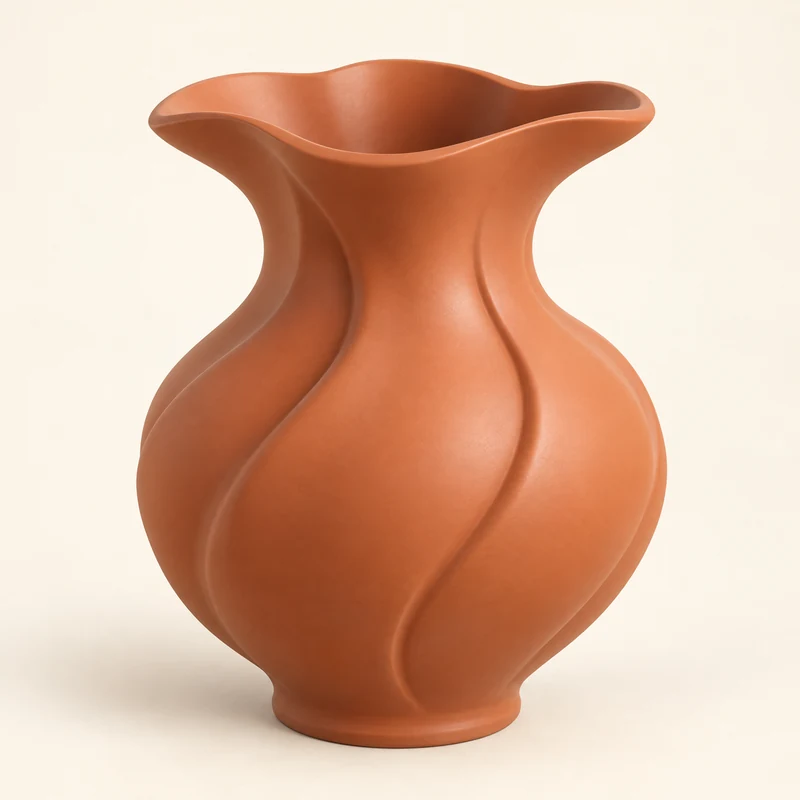
Create from scratch
Your idea, your starting point. Describe a model or upload an image.
26 ideas to explore
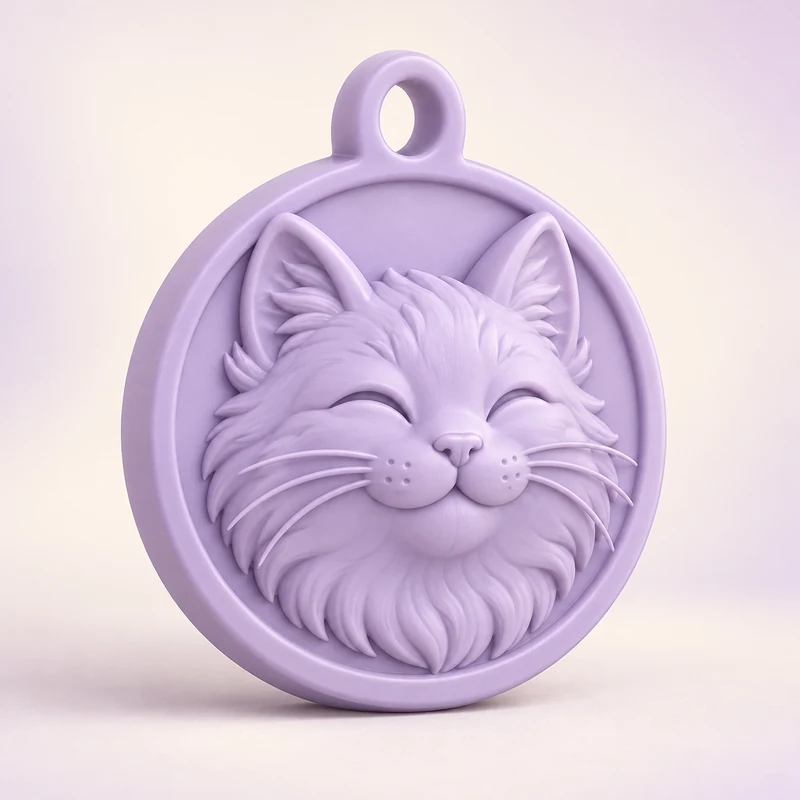
Pet keepsakes
Their little face. Your favourite keepsake.
Make something yours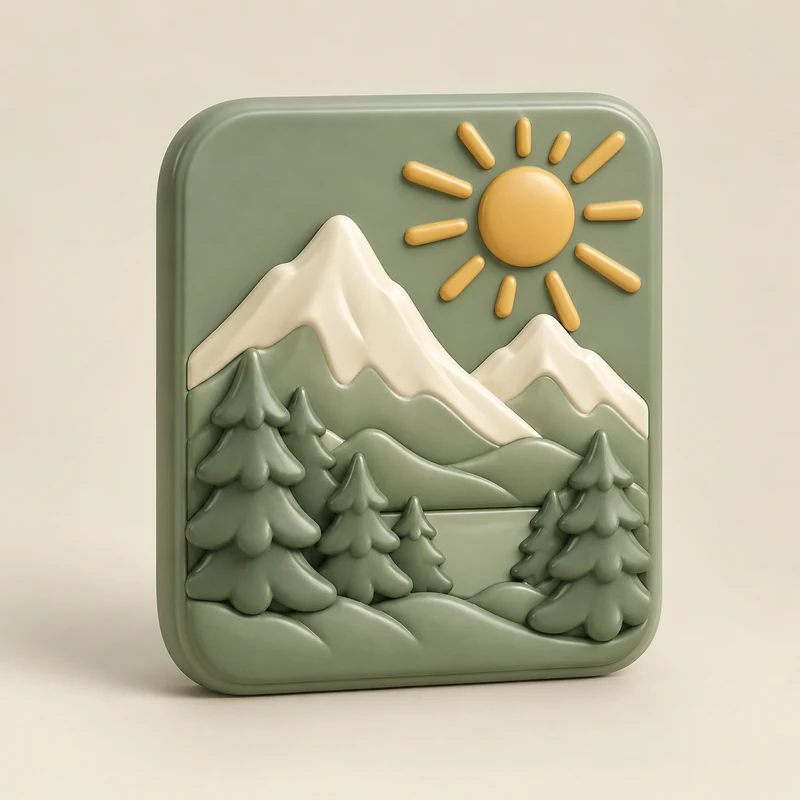
Photo magnets
Give a favourite memory a new dimension.
Make something yours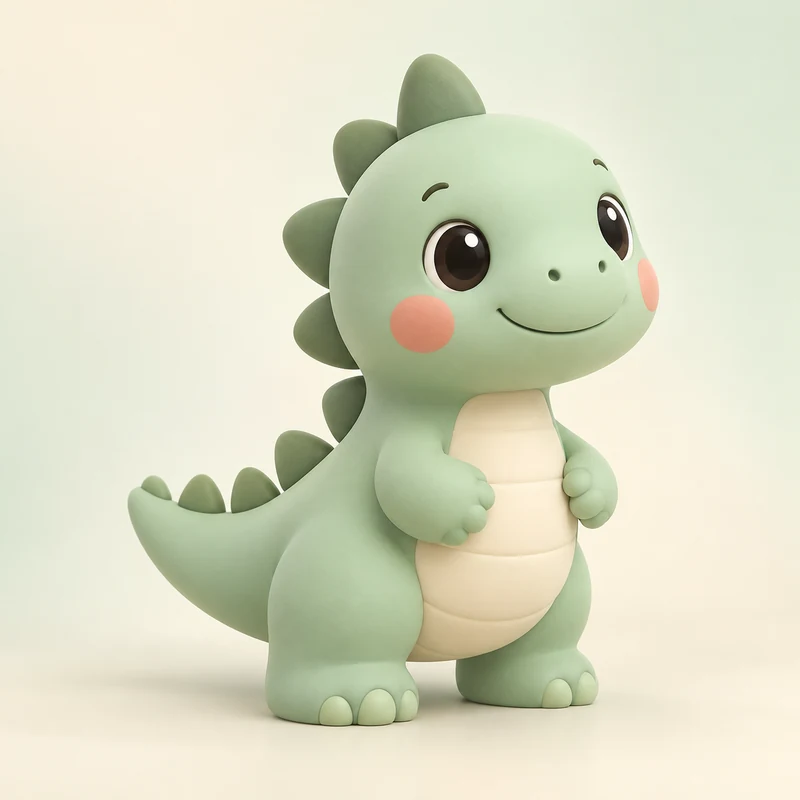
Bring drawings to life
Turn an original doodle into a little desk companion.
Make something yours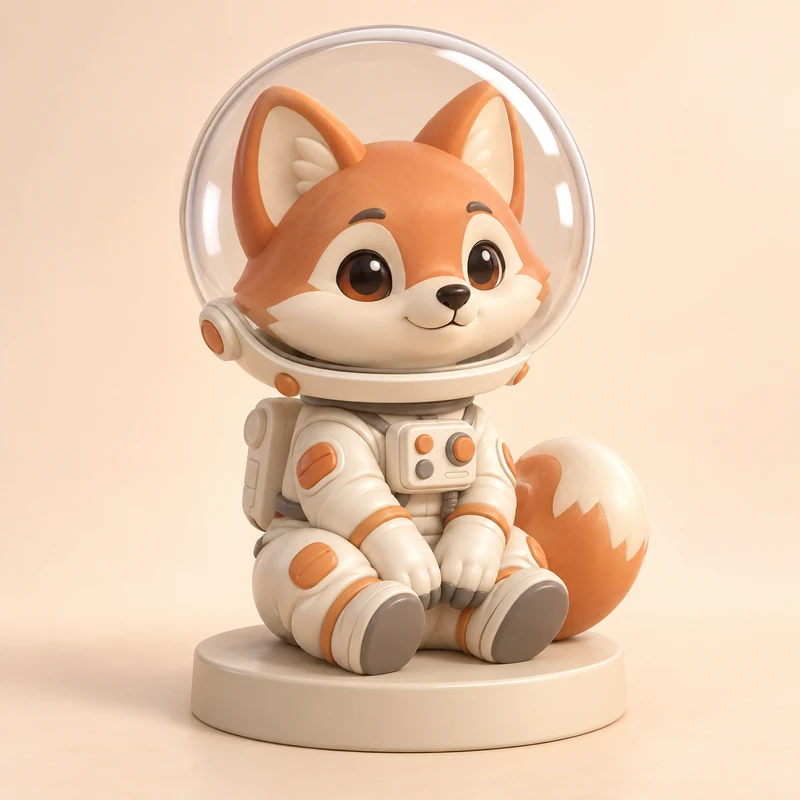
Original character builder
Dream up someone the world hasn’t met.
Make something yours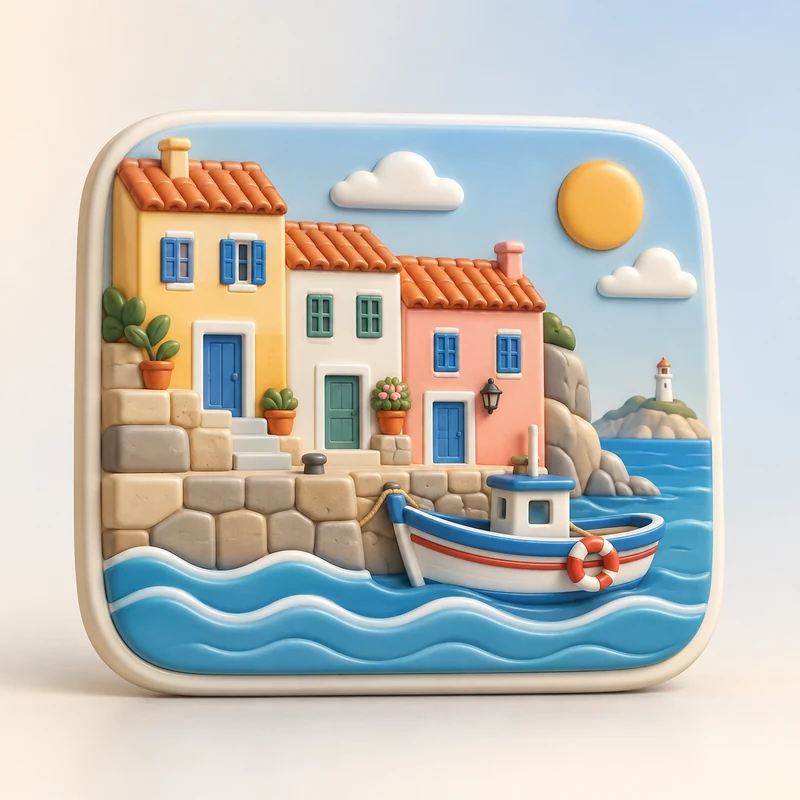
Travel souvenirs
Keep a little piece of your favourite journey.
Make something yours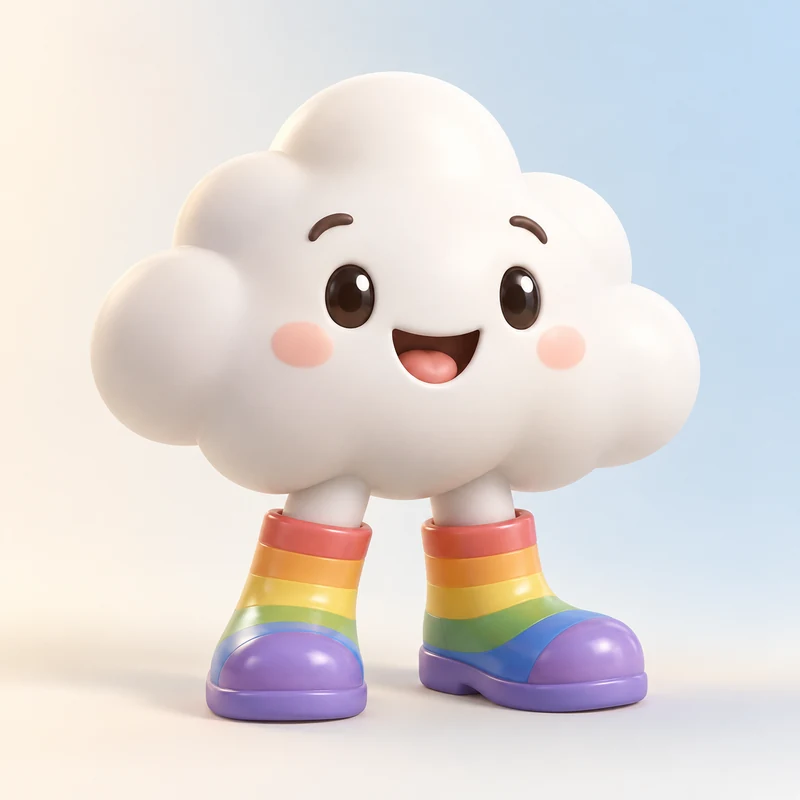
Creator merchandise studio
Give your original artwork a new way to meet its audience.
Make something yours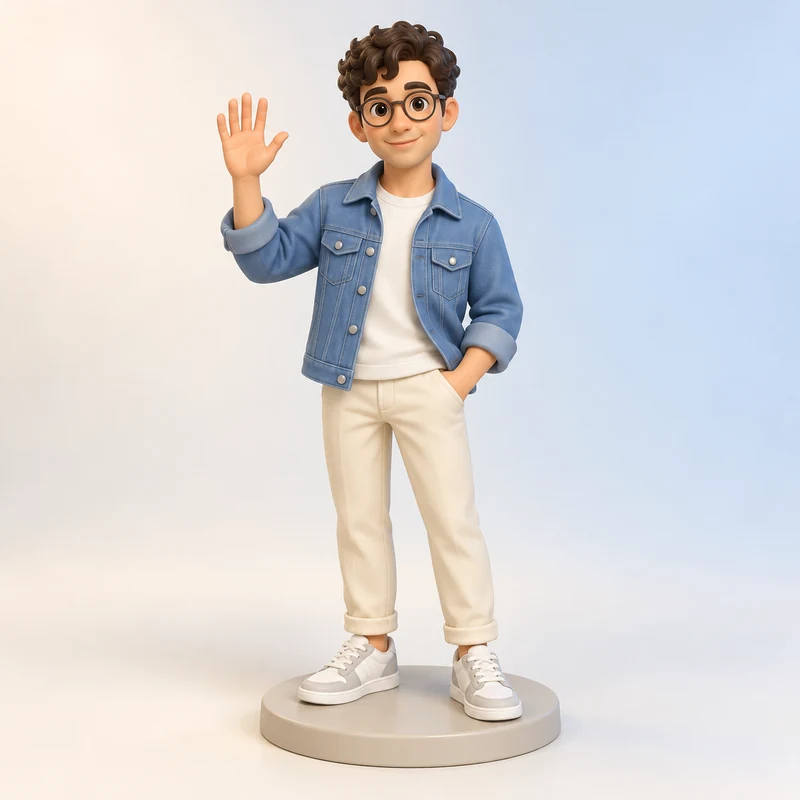
Mini-me figures
A little version of you, with all your personality.
Make something yours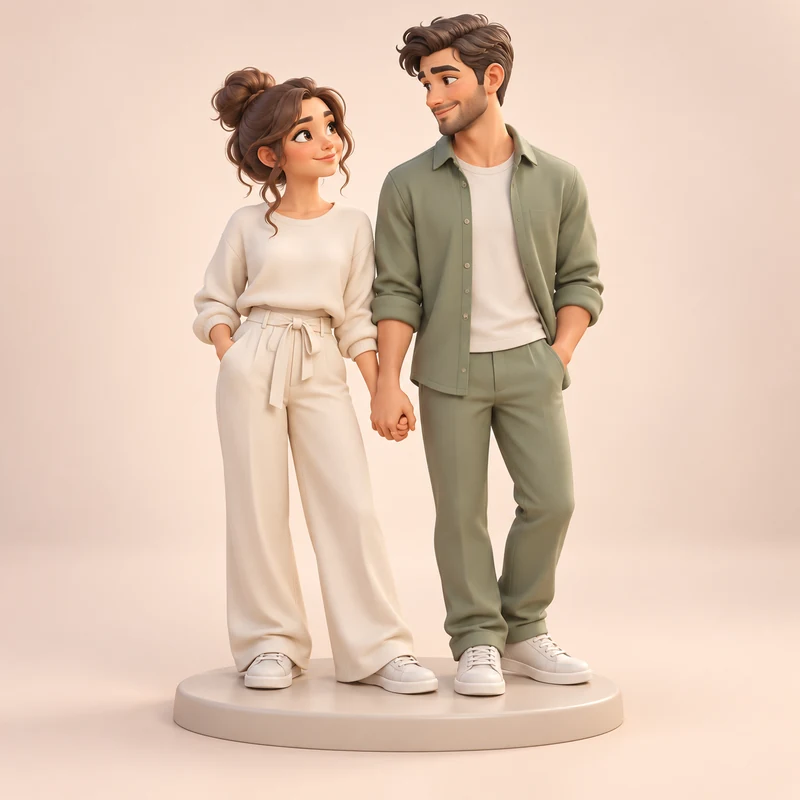
Couple keepsakes
Two personalities, one shared memory.
Make something yours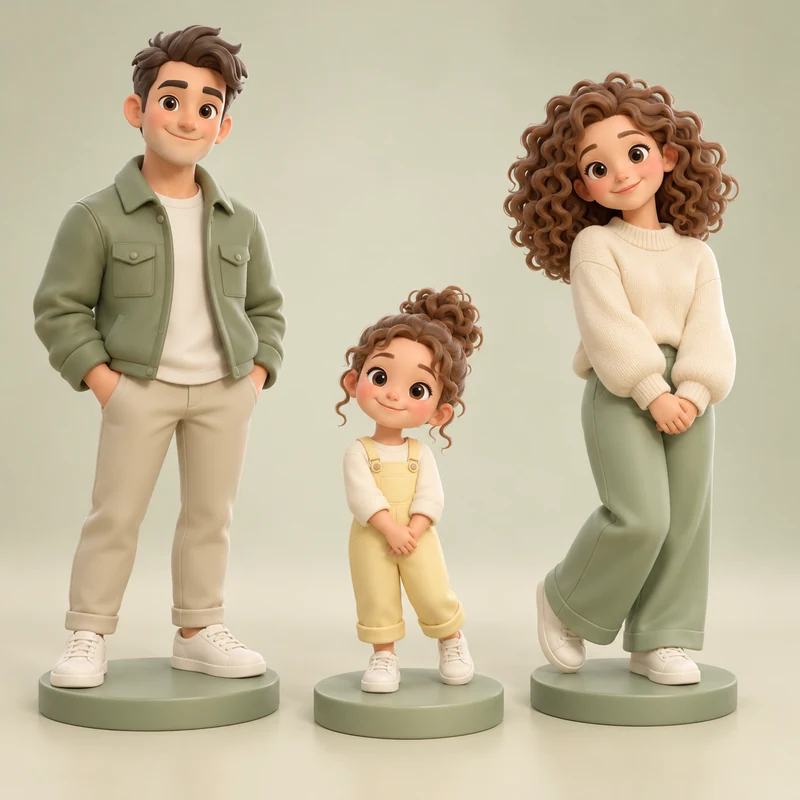
Family collections
Everyone belongs in the same little world.
Make something yours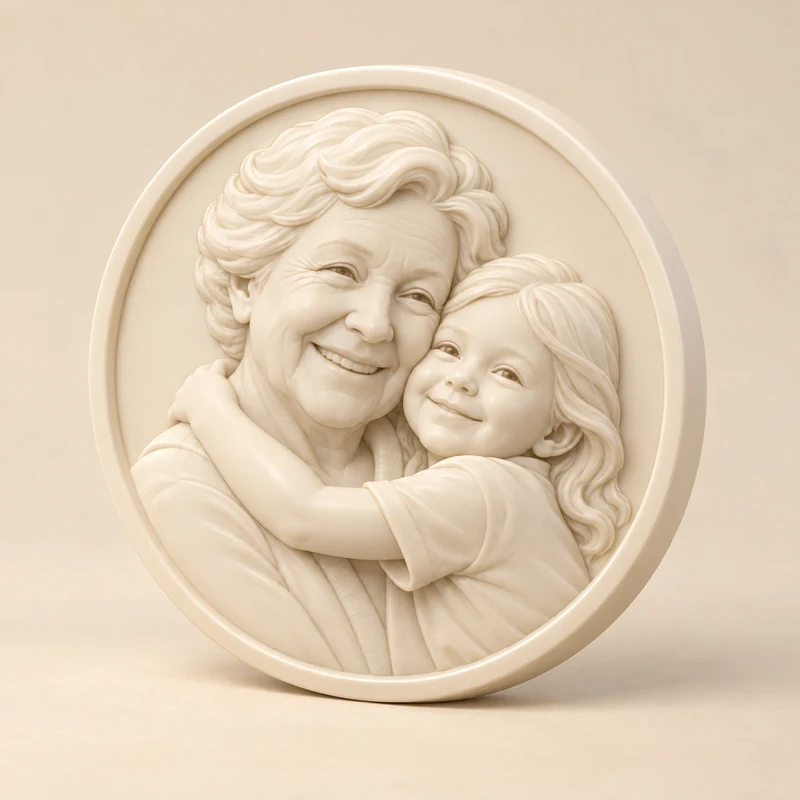
Memory medallions
Carry the details of a meaningful moment.
Make something yours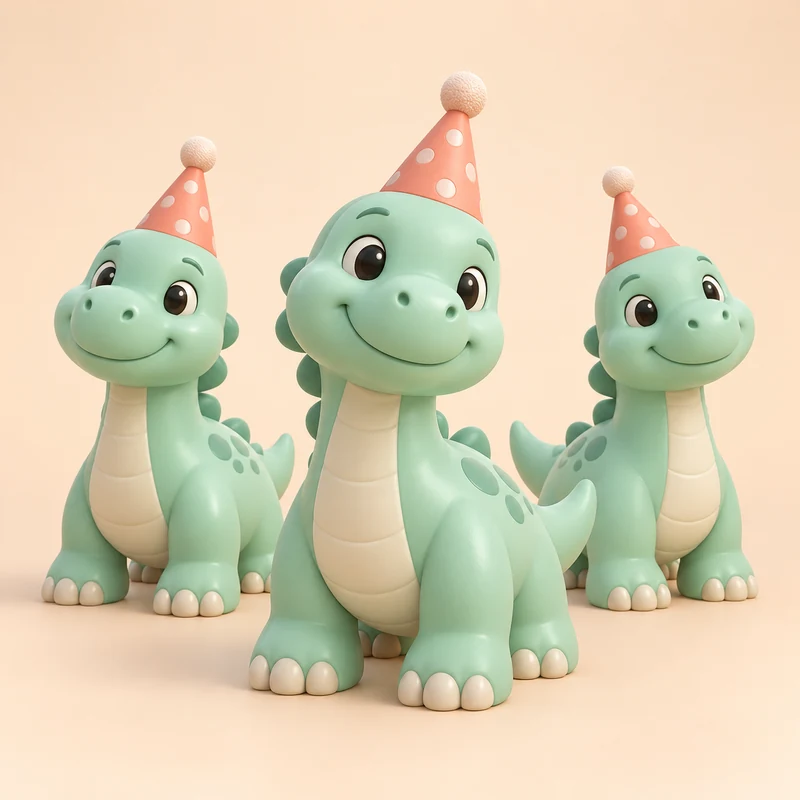
Birthday party favors
One joyful theme for a whole celebration.
Make something yours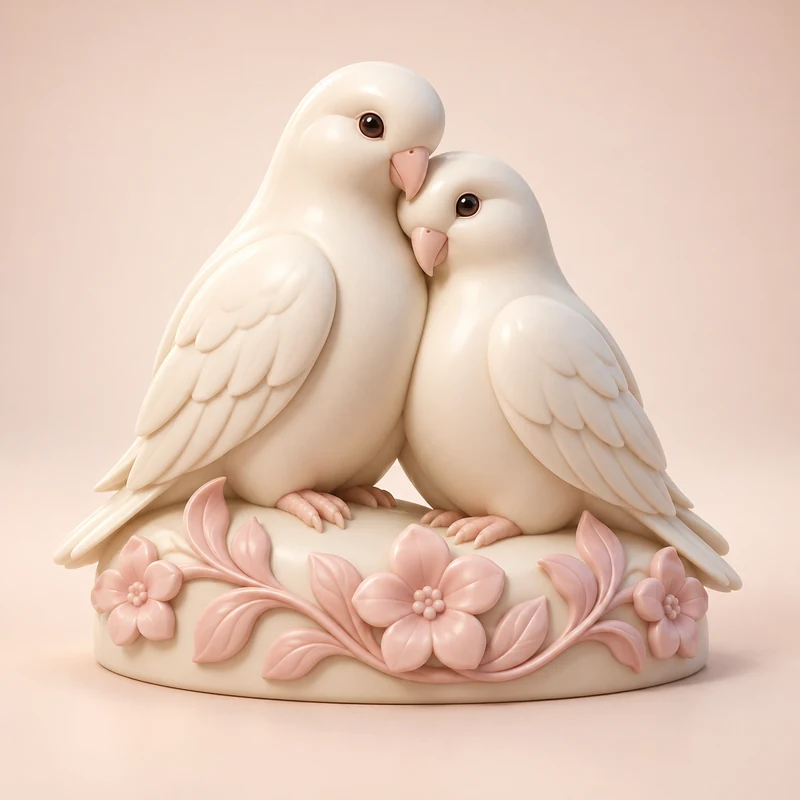
Wedding keepsakes
Make a small reminder of a very big day.
Make something yours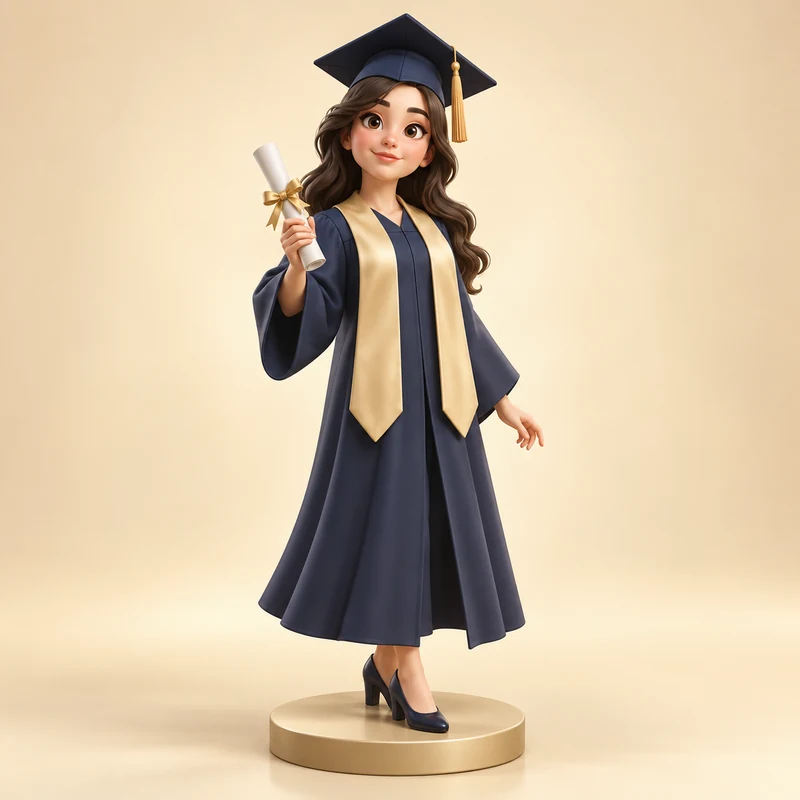
Graduation collectibles
Celebrate the person and what they’ve achieved.
Make something yours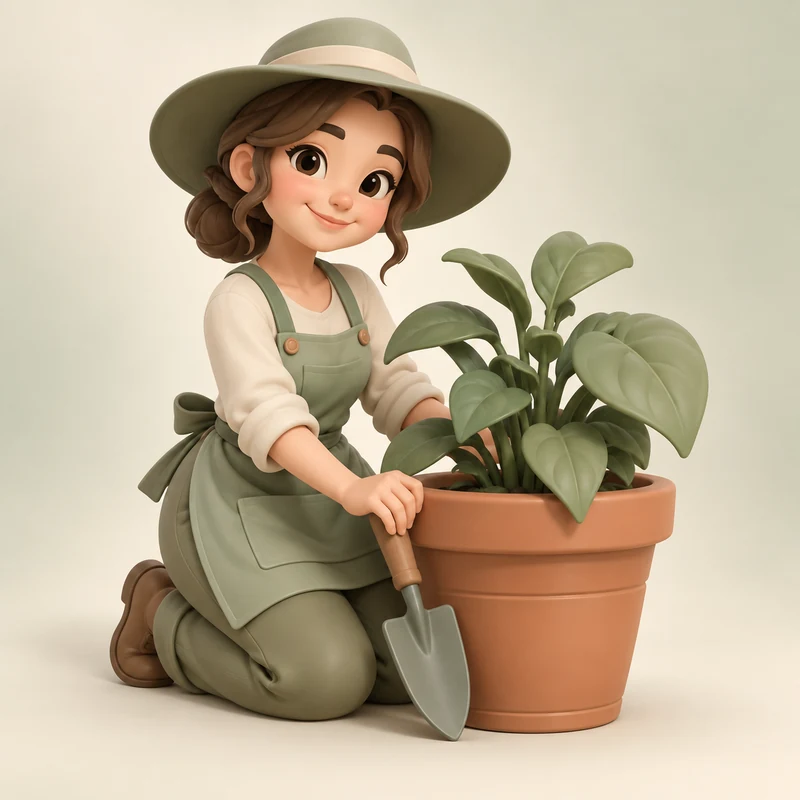
Hobby figures
Put their favourite pastime on display.
Make something yours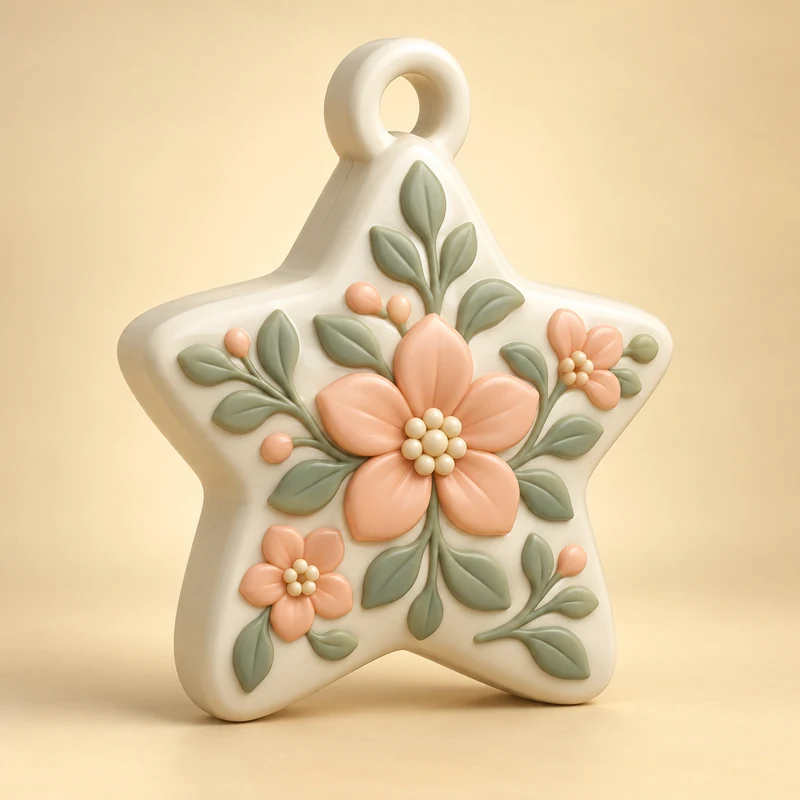
Seasonal ornaments
Create a decoration for your own traditions.
Make something yours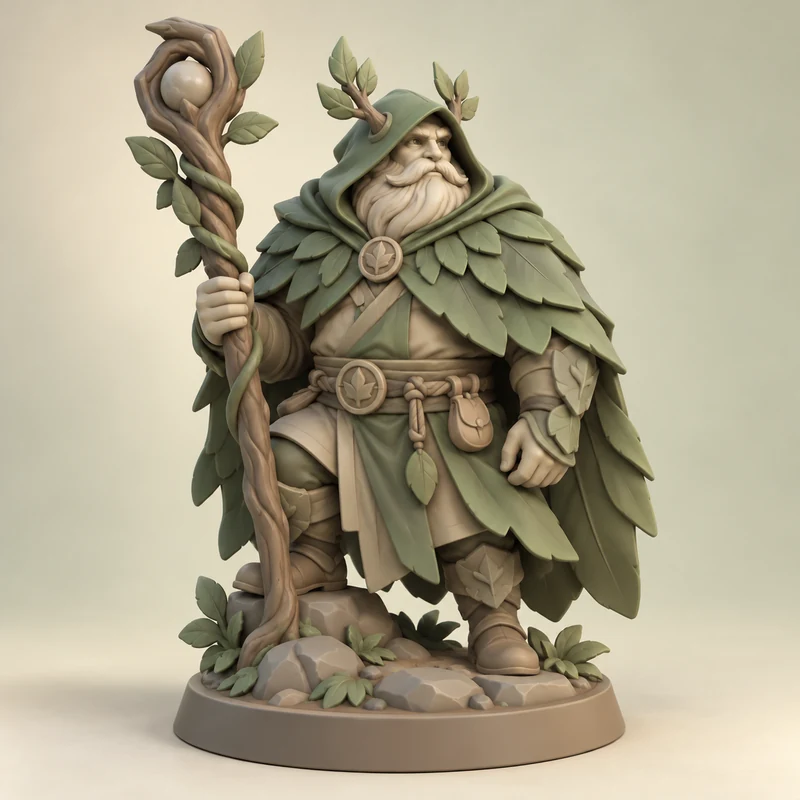
Fantasy miniatures
Bring an original hero or creature to the table.
Make something yours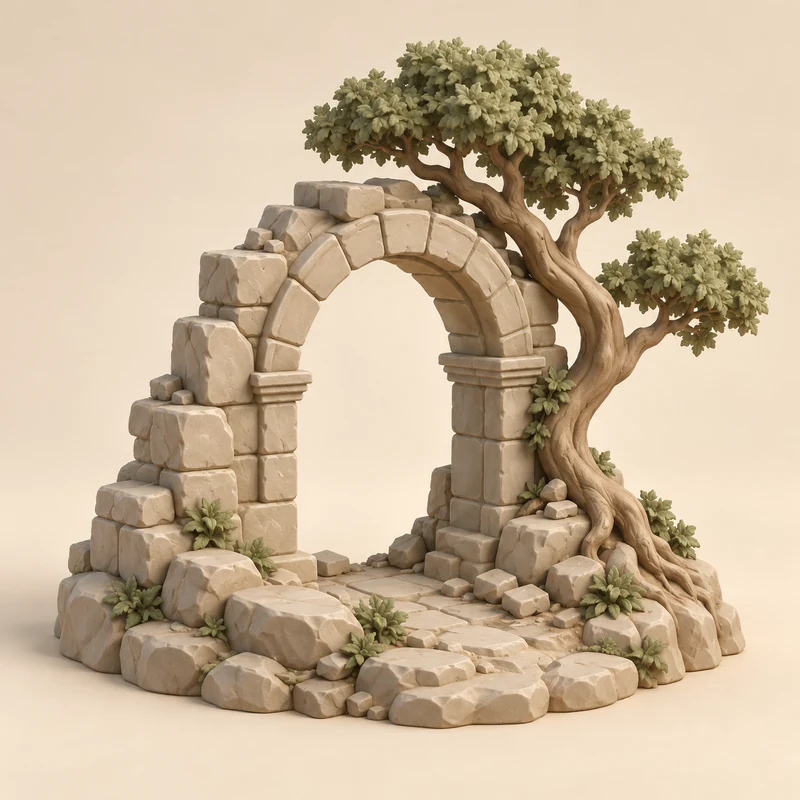
Miniature scenery
Build a little world, one piece at a time.
Make something yours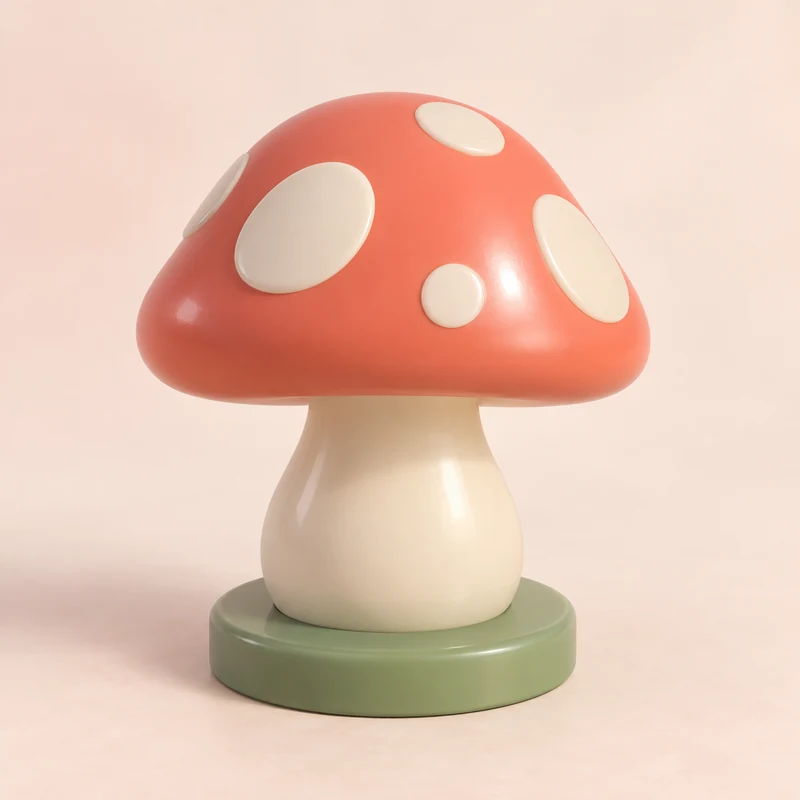
Custom game tokens
Invent the pieces for your own game.
Make something yours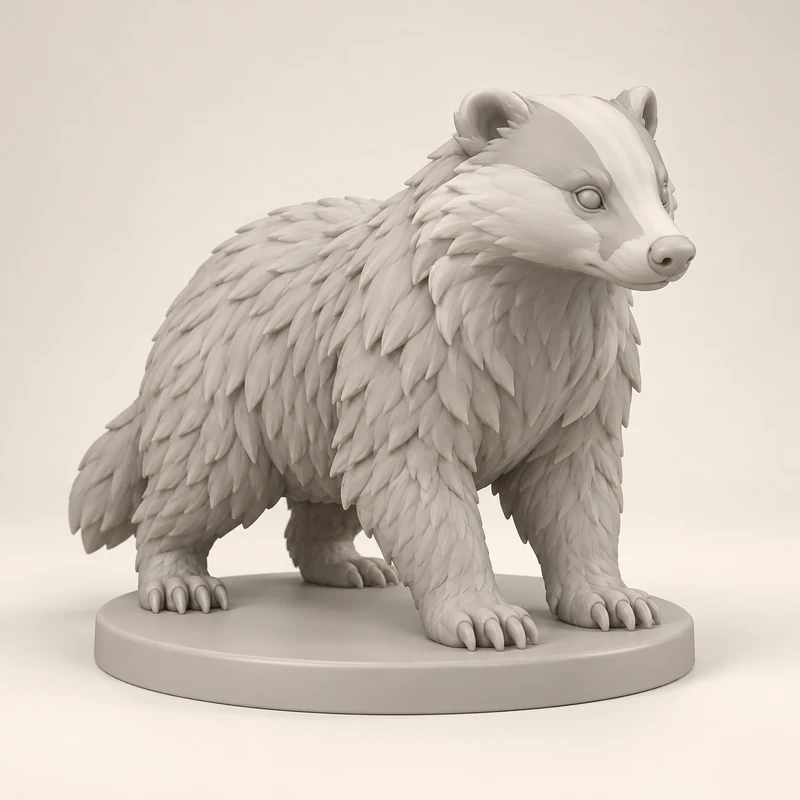
Paint-your-own figures
Your sculpture. Your colours. Your finishing touch.
Make something yours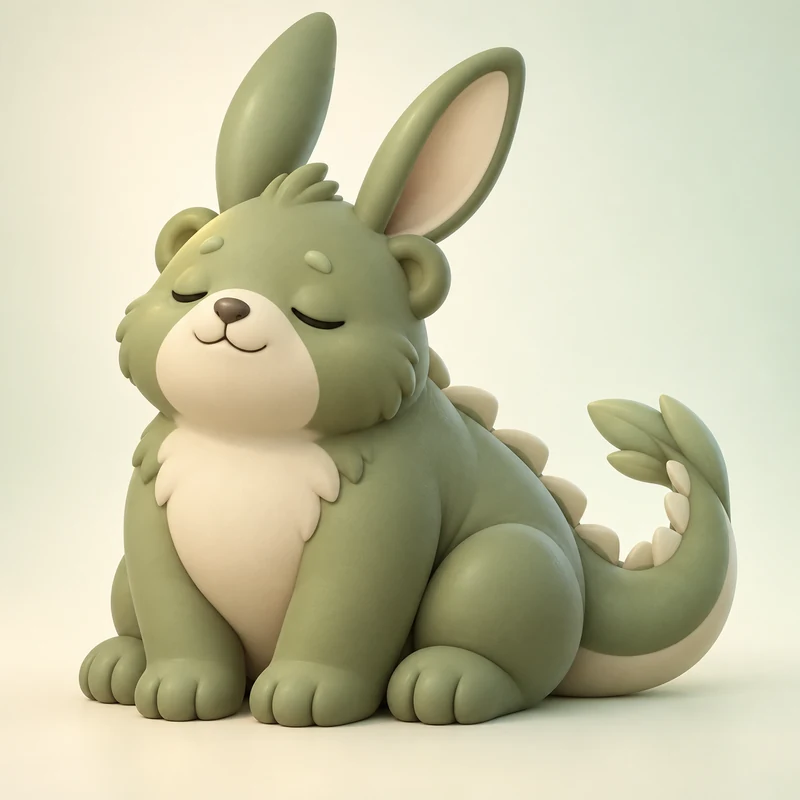
Invent your own creature
Combine a few impossible things into a new friend.
Make something yours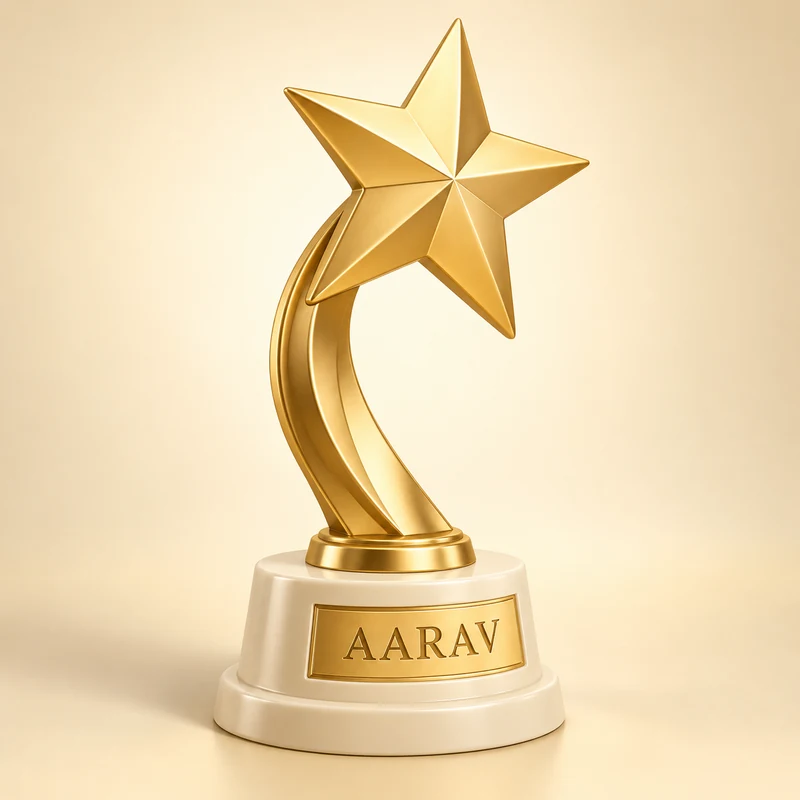
Personalized awards
Give an achievement its own little sculpture.
Make something yours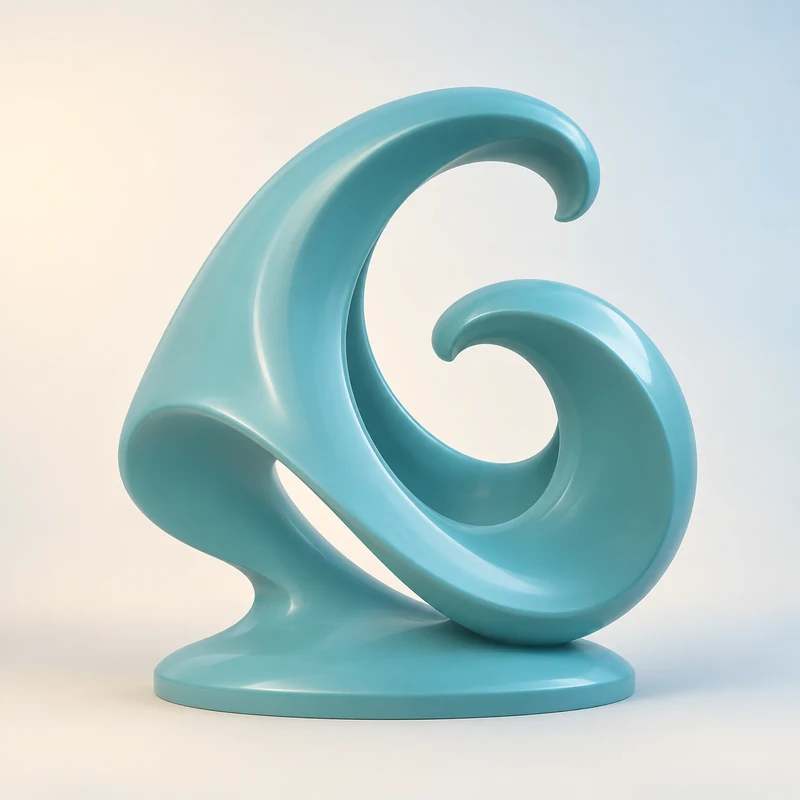
Abstract desk sculptures
Turn a feeling into a form you can keep.
Make something yours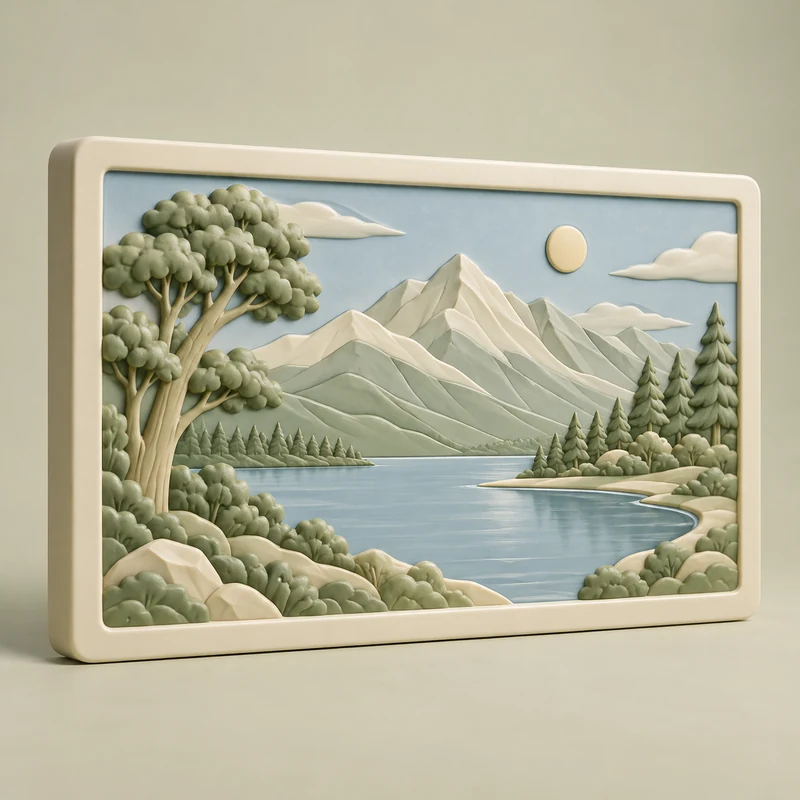
Photo relief plaques
Give a favourite photograph a place to stay.
Make something yours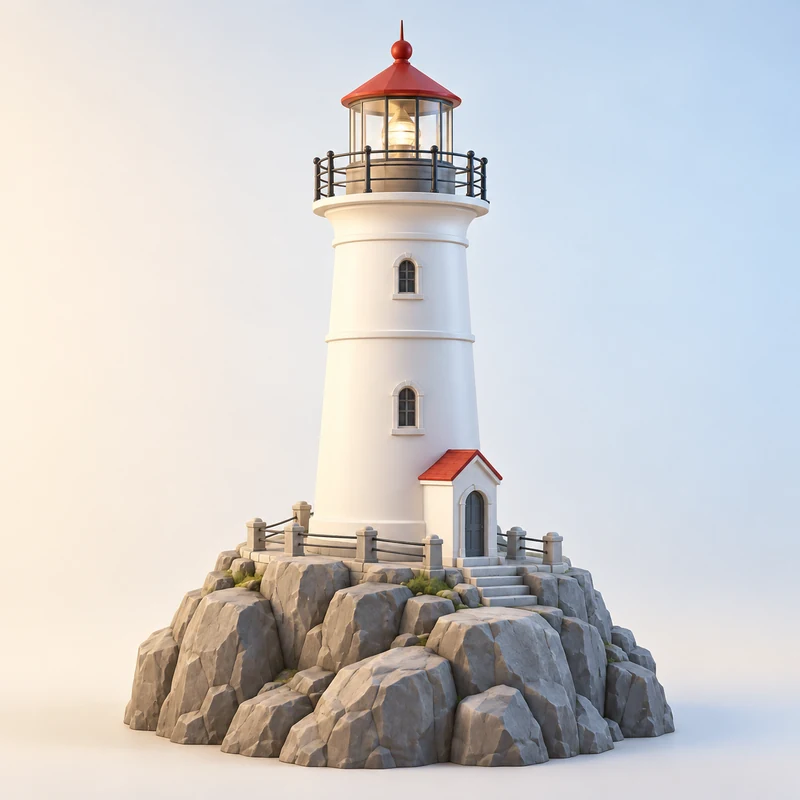
Landmark miniatures
Keep a place you love within arm’s reach.
Make something yours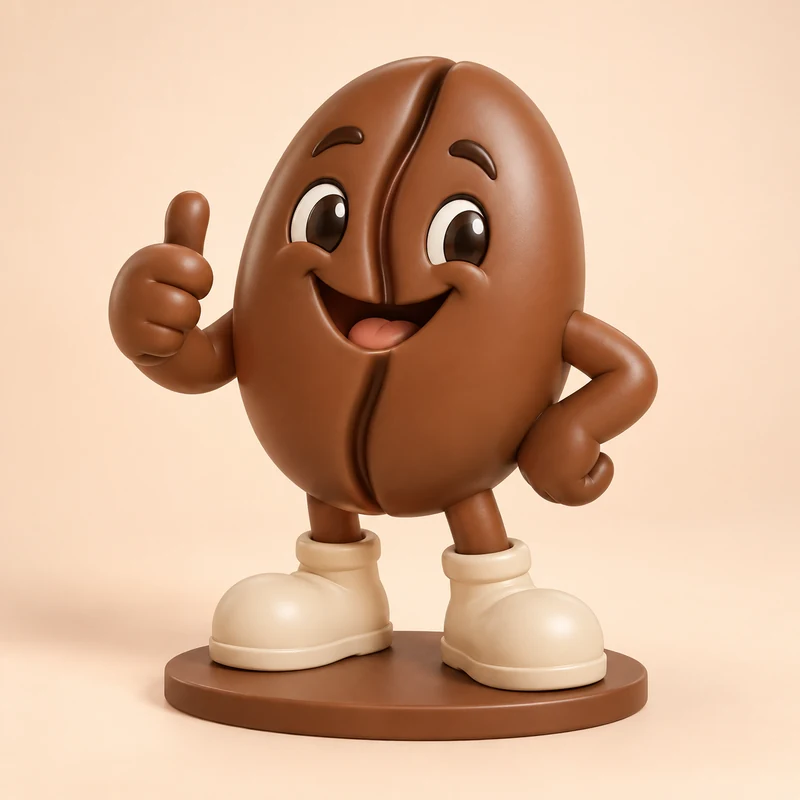
Business mascots
Make your original brand character part of the real world.
Make something yours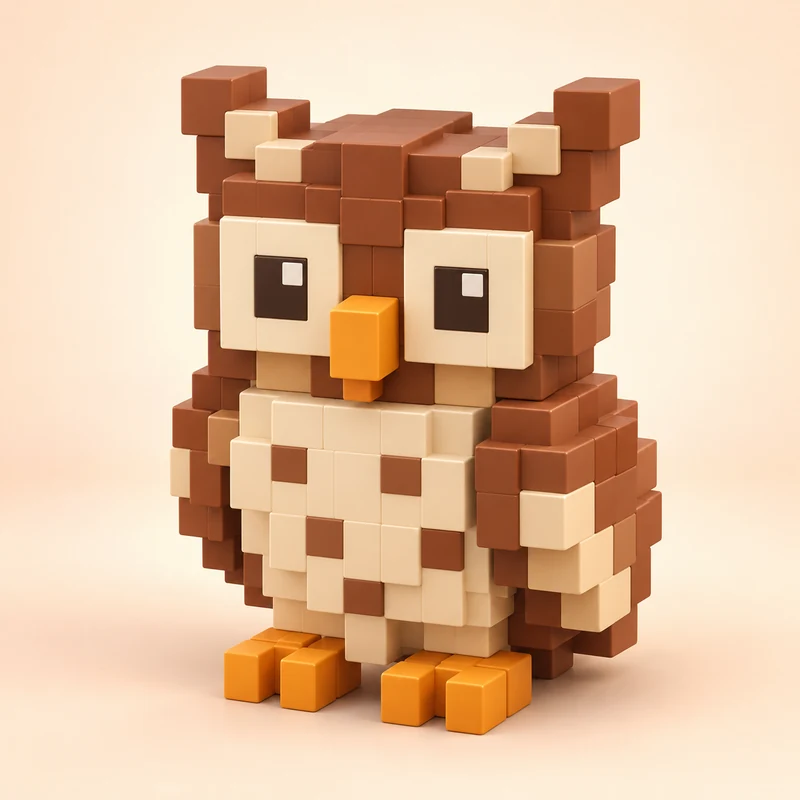
Pixel-art collectibles
Let your original pixels step into the third dimension.
Make something yoursYour idea does the hard part.
We make the next steps easy.
Give us a little inspiration
Upload a clear photo or drawing. Or just describe what’s in your imagination.
Make it feel like you
Choose a style, then approve your concept image before building the model.
Take it into your world
Turn your model around, download your files, or ask us to print the same design.
A little credit. A lot of creative freedom.
Pay for the steps you choose. See the cost before creating. Re-download completed models without using more credits.
From an idea to a model you can make.
Generate decorative figures, pet keepsakes, original characters, and desk sculptures with Kavi AI. Start with words or a reference image, then review your concept before building the 3D model.
Text to 3D: turn an idea into a model with Kavi AI
Write a useful 3D prompt, review your concept, and create a downloadable model. Includes original prompt examples for figures and desk sculptures.
Read the guide Start with a pictureImage to 3D: create a model from a photo or drawing
Prepare a photo or original drawing for Kavi AI, guide the result with text, and review your concept before generating a 3D model.
Read the guide From model to printHow to prepare an AI-generated model for 3D printing
Check dimensions, thin details, mesh issues, supports, and slicer previews before printing an AI-generated STL or 3MF model from Kavi AI.
Read the guideWhat is Kavi AI?
Kavi AI is a guided AI 3D model generator by 3dbykavi. Start with text, a photo, a drawing, or an image with text; review a concept image, then approve creation of a downloadable 3D model.
Can I create a 3D model without knowing 3D modelling?
Yes. The guided flow helps you choose an idea, style, and size without building a mesh by hand. Preparing a download for your own printer still requires checking it in a slicer.
Can I download STL and 3MF files?
Completed models offer STL and 3MF downloads for print preparation, plus GLB for 3D viewing. If processing or dimensional checks need attention, downloads become available after the issue is resolved.
Are AI-generated models ready to 3D print?
They need review before printing. Check dimensions, thin details, geometry warnings, orientation, and supports in your slicer. A good-looking preview does not guarantee a successful print.
How do credits work?
Creating a concept and creating a 3D model use credits. Each step shows its cost before you approve it. Saving an idea, opening a saved design, re-downloading a completed model, and requesting a print quote do not use extra creation credits.
Can I order a printed version later?
Yes. The same saved design supports downloading and requesting a printed copy. A print request is reviewed and quoted separately; it is not included in generation credits.